Private cloud file collaboration—deployed in your AWS account

Secure file storage and collaboration with online Office editing (Collabora Online) and an extensible web client— built on the JSAPP.CLOUD platform for long-term development and maintenance.

AWS-native (EC2 + S3). Encryption, MFA/JWT security, and controlled sharing.
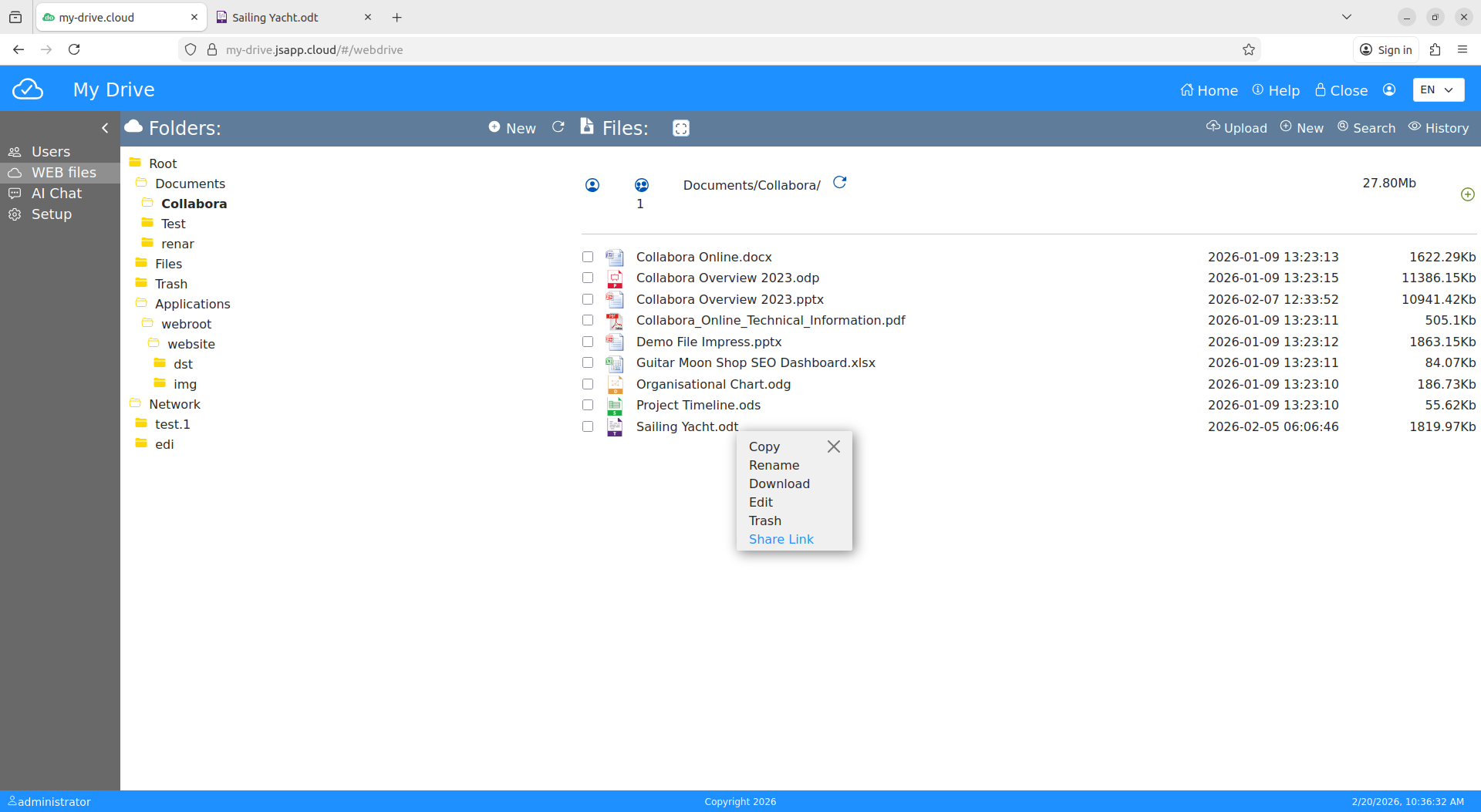
My-Drive.CLOUD file manager
Runs in your AWS account
AES-256 at rest (S3)
Encrypted transfer (stream)
GDPR-ready / HIPAA-aligned
Product tour

A secure workspace for files, collaboration, editing, and extensibility.

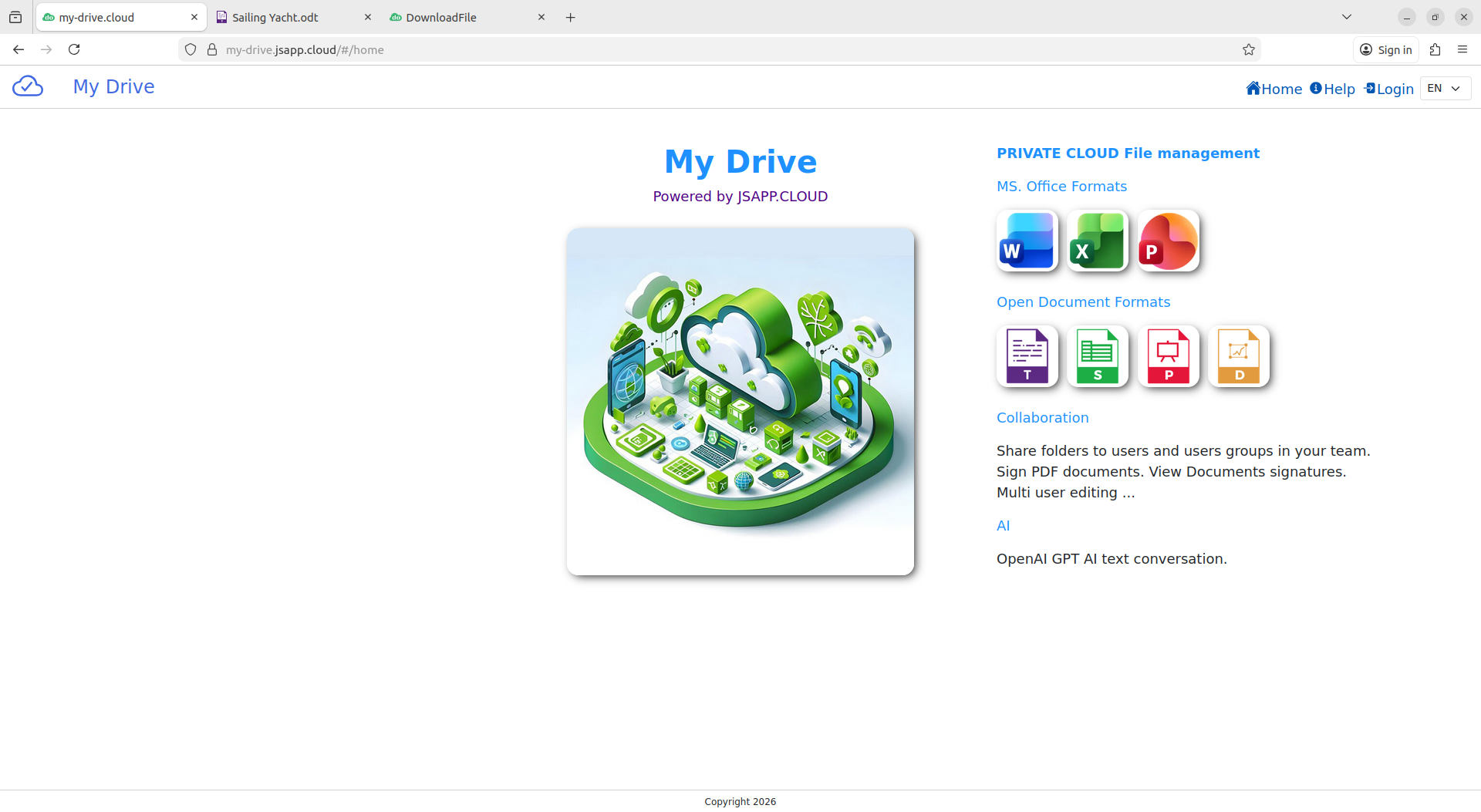
Start page

Start page

Quick access to your files, modules, and workspace tools.

File manager

File manager

Organize folders, upload content, and manage files in one place.

Secure sharing

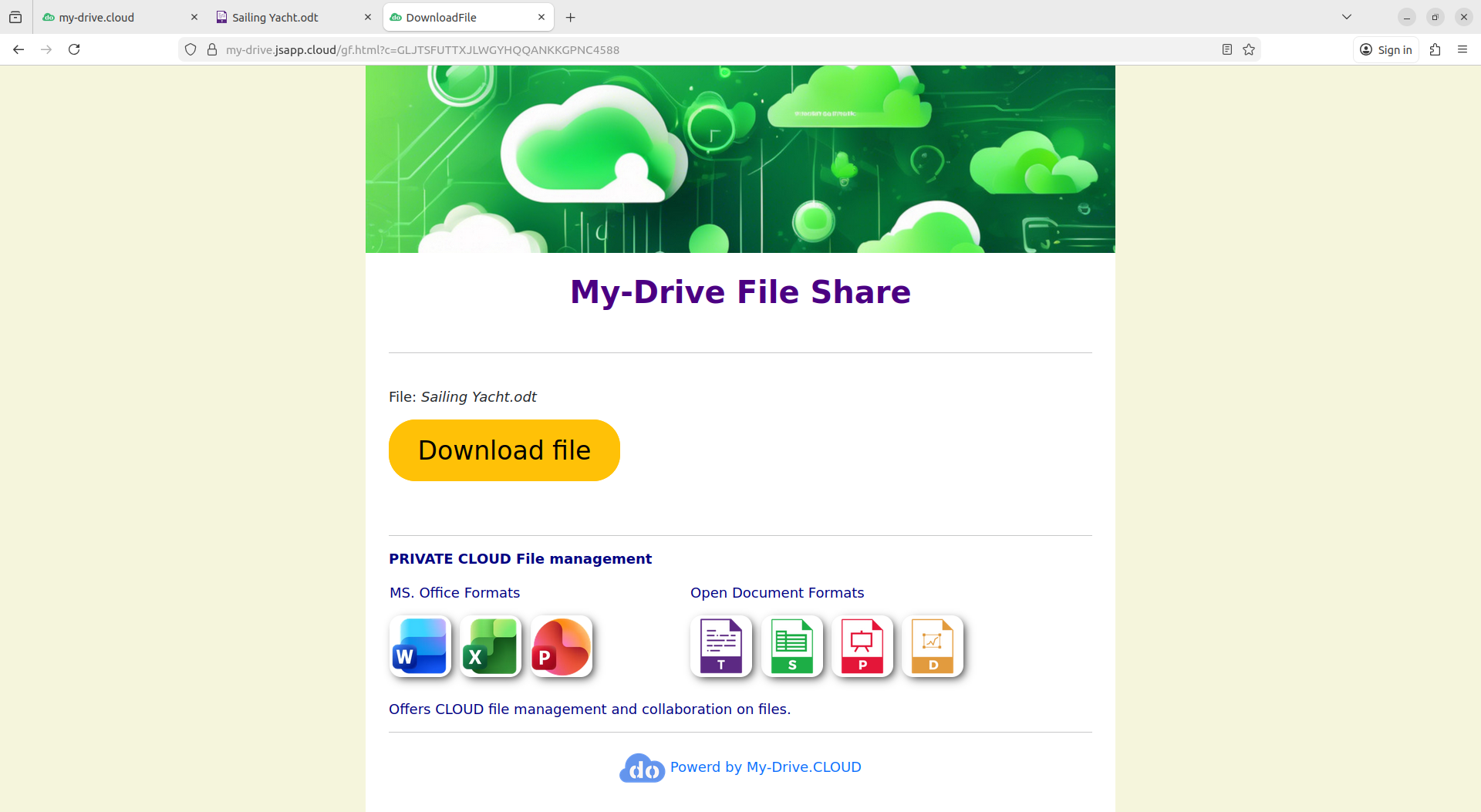
Secure sharing

Share to users/groups or create password-protected download links.

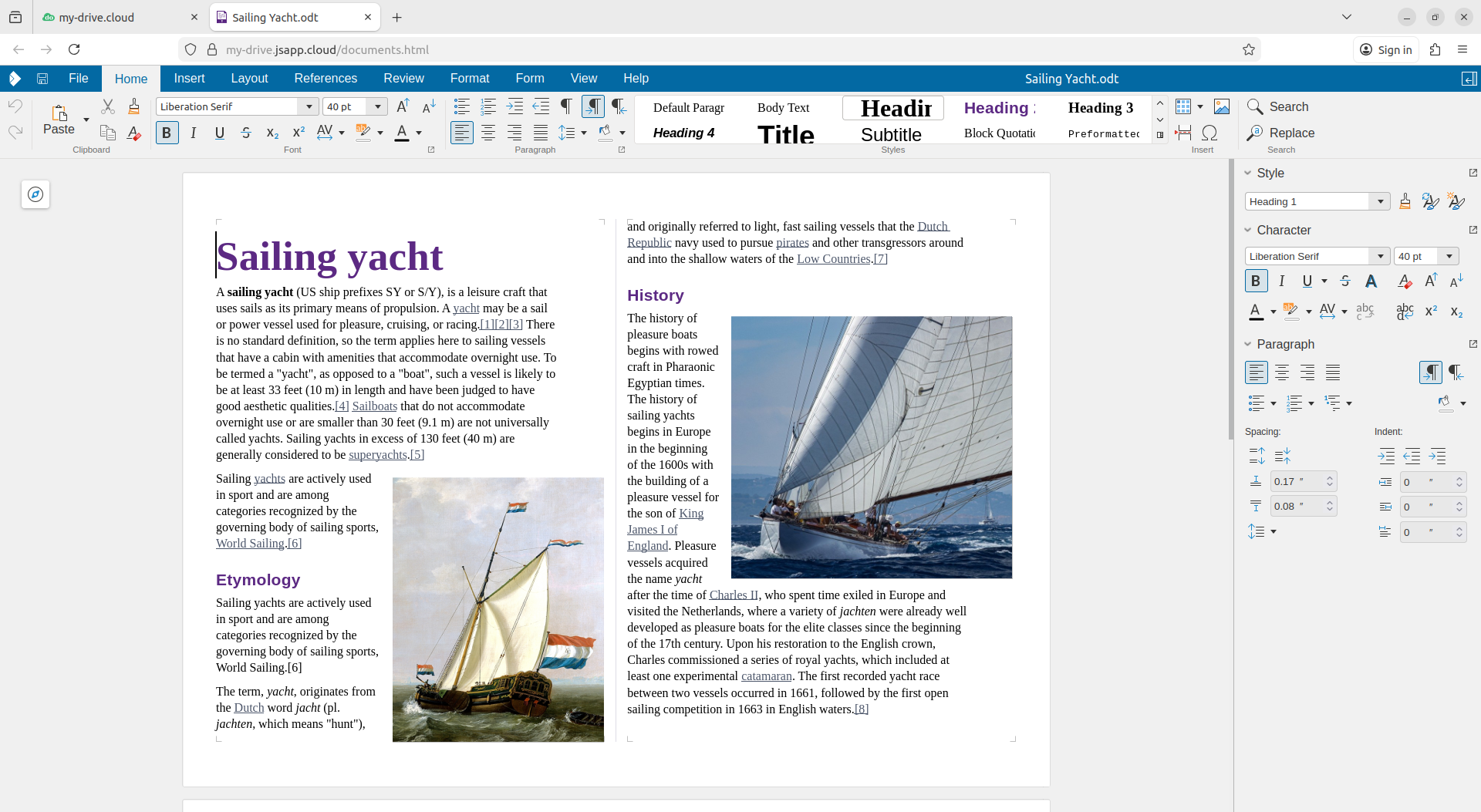
Collabora Online editor

Online editing

Edit Office documents online with Collabora Online (CODE).

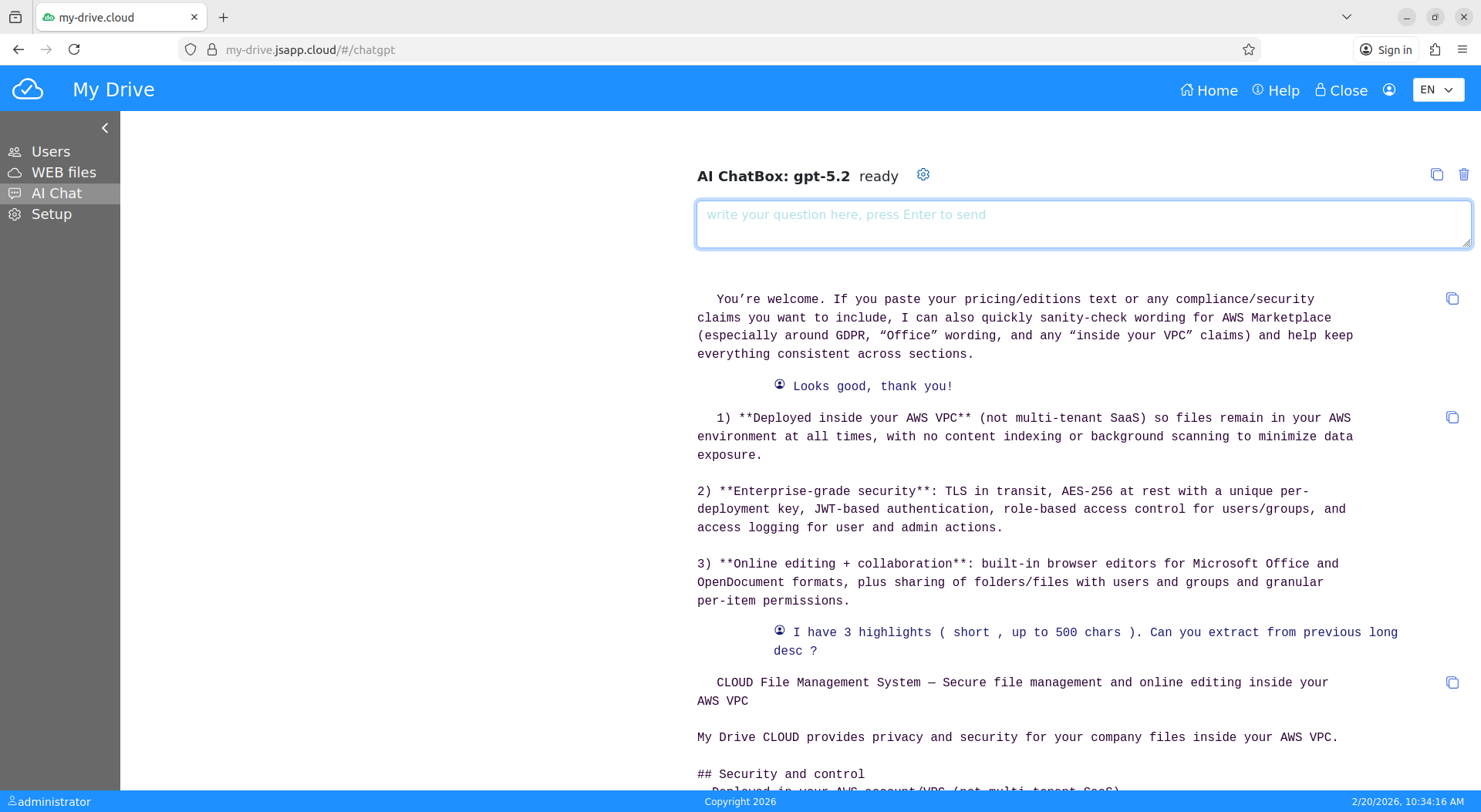
AI chat module

AI Chat module (optional)

Optional AI chat to assist users inside the workspace.

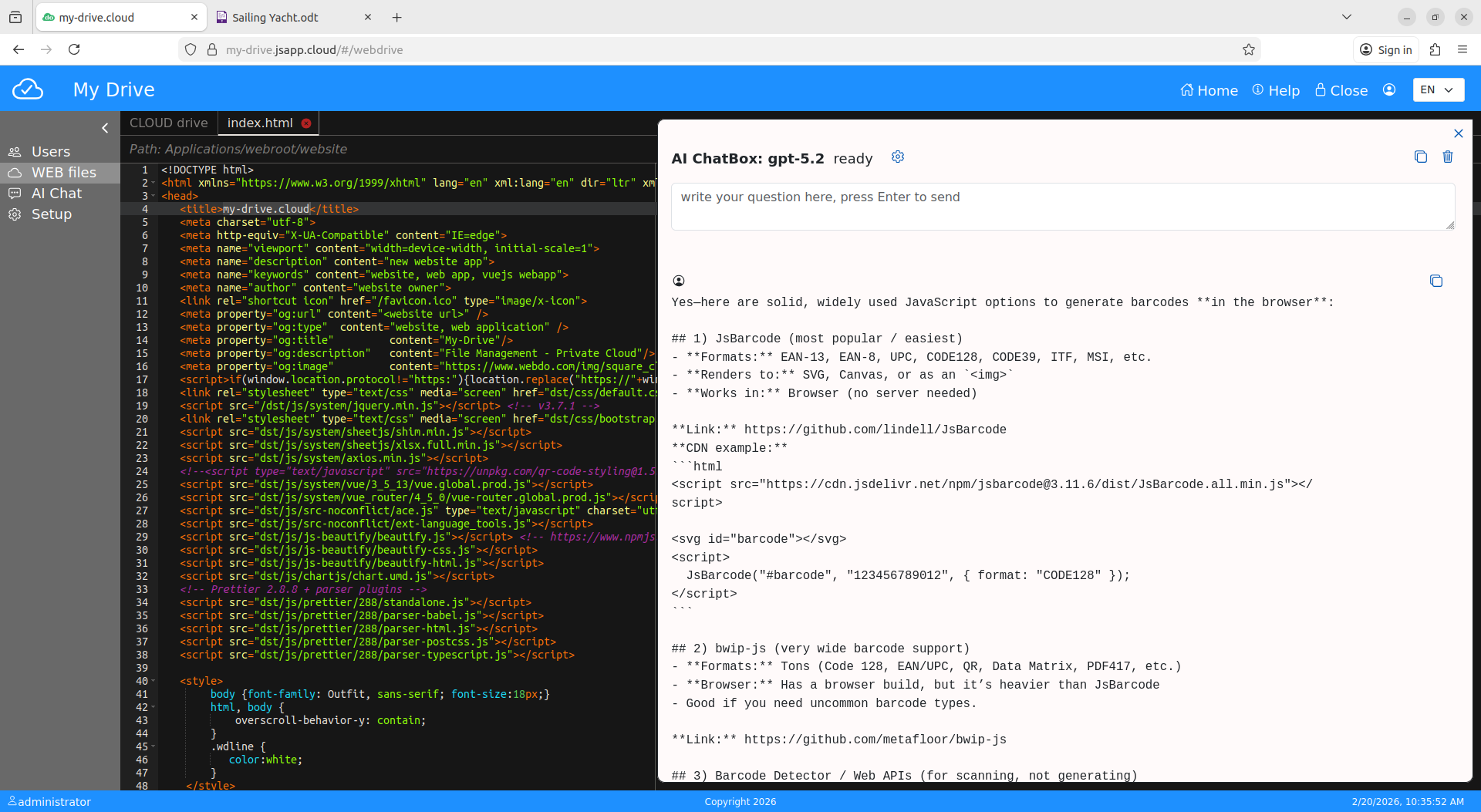
Assisted code editor

Assisted cloud code editor

Customize and extend the web client with built-in development tools.

Built for enterprise collaboration

🔒

Security & control

Deployed in your AWS account with encryption, MFA, JWT authorization, and sharing controls.

🤝

Collaboration

Users/groups sharing, folder upload, and online editing via Collabora Online (CODE).

⚙️

Extensibility

Extend the web app using the cloud code editor and optional AI assistance—built on JSAPP.CLOUD.

Deploy from AWS Marketplace with CloudFormation

My-Drive.CLOUD installs into the customer’s AWS account using an AWS Marketplace listing and a CloudFormation template.

  • Prerequisites: AWS account + domain name + DNS access (Route 53 recommended)
  • AWS Marketplace → Discover → search “My-Drive”
  • Launch template, follow guided installation
  • Complete first-time configuration in a few steps
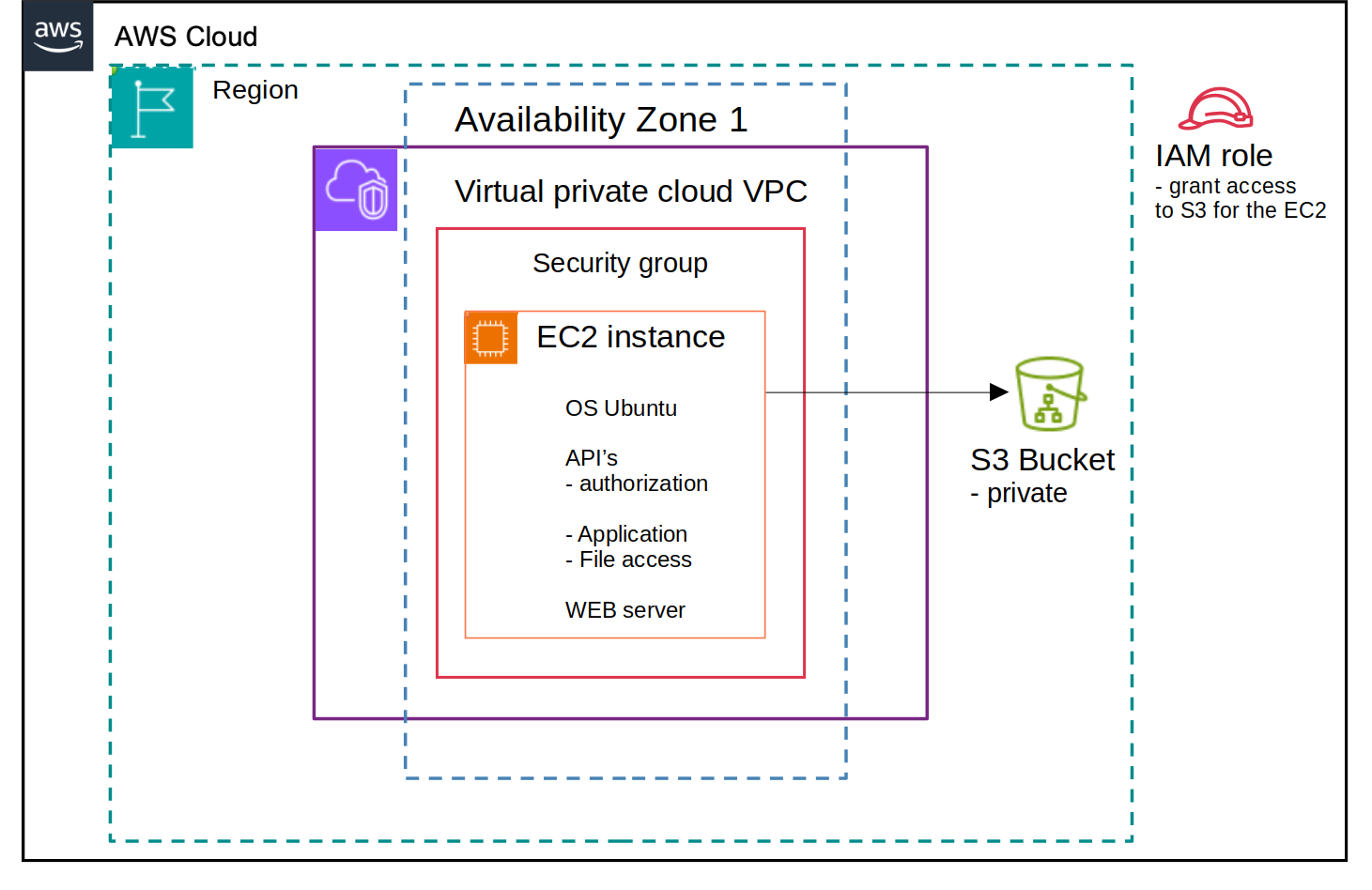
My-Drive architecture

FAQ

Virtually unlimited in your own AWS S3 bucket. AWS S3 storage price is approximately $ 0. 03 per GB per month.
There are no default limits per account.

My-Drive is easy to use for file management and collaboration on files in the CLOUD and offers total control over your files , being secured by default.
Files are stored in your own AWS private cloud (VPC), encrypted by default with your own key. Even with online editors for files, the edited files are kept in your VPC under control, not sent to some provider infrastructure for editing web services. Strong security is required for some files ; why not have it for all of your files in the CLOUD? You will need security for files that must respect regulations like GDPR, for contracts, or files under a confidential agreement.
(medical files, contracts, work under specific contract, financial information, etc.)

Recommended less than 5GB.

For performance reasons, My-Drive writes files directly into the S3 Bucket on a single encrypted data stream.
With large files, there may be a long time and eventually broken connections ; the system does not resume the operation on retry.
It has a retry function , but with large files and a low-speed Internet connection, it is time-consuming and prone to errors.
You can upload folders with smaller files or ZIP a large file in parts.

Yes , basic free technical support for the system administrator is available via email.
A help ticket web application is available based on an SLA for your account.

It offers support for office documents in Open Office format and MS format.
docs, doc, xlsx, xls, pptx, ppt, odt, ods, odpThe online editors are Collabora Online CODE, based on LibreOffice technology.
It is possible to edit shared office documents in a multi-user collaboration environment.

The system uses the OpenAI API. It requires an OpenAI access key from your own account.
Using the API, the average price per user in your team is low.
It supports different models of GPT ; it uses the one that is set as default.
Integration with AI from other vendors is possible with minimal coding required ; ask for support if needed .
AI in My-Drive is not invasive. You need to text the AI when you need something .
Keep in mind not to send private information to the AI model.

Yes. There are logs for authorizations, available for each user; the logs are for the used IP and authorization time.
Logs for file access are also available . ( History per folder ).
There are no detailed logs related to edited files.

The MFA system is based on smartphone authenticator apps available from different vendors ; we do recommend the Google app.
MFA can be enforced by the system administrator for each account or it is optional for each user by default.
MFA is not requested every time you log in on the same device for several hours.

It can be used to edit different text files using context editors based on the file extension.
Like "txt", "js", "html", "css", "json", "xml" ...
The administrator account can edit the web client application for customization or new development.
Parts of the web application can be shared for editing with other team users.
The CODE editor is based on ACE, does not implement collaboration on shared code at this momment.
See the JSAPP.CLOUD documentation for more information on the webapp development model.

The web client for My-Drive is open sourced, you can change it and use-it however you like.
The web services installed on the AWS EC2 instance are bound to the My-Drive EC2 installation, can be modified for your customization or development, but you cannot move them to other computers or EC2 instances that are not from AWS Marketplace Q-Bis / My-Drive.

Infrastructure-based pricing

Includes a 15-day free trial. Billing is per instance-hour via AWS Marketplace. My-Drive.CLOUD does not exceed 2× the AWS EC2 hourly price.